


The best compression application for ACE files
WinAce is a renowned file compression and decompression application. It allows the user to manage files compressed in various formats, like other well-known applications. But, it has an advantage over them, and that is that it can also be used as a file explorer.
This utility reaches a high compression rate, thus managing to get small files. It allows us to compress files in ACE, ZIP, LHA, MS-CAB, JAVA JAR, GZip, TAR and GzippedTar format. And to decompress: ACE, ZIP, LHA, MS-CAB, RAR, ARC, ARJ, GZip, TAR, ZOO, JAR, ISO images and Bzip2.
Main features
- Compression in multiple volumes.
- ACE and ZIP (SFX) automatic file extraction.
- Special compression for image and sound files.
- ACE file authenticity verification.
- Access by means of the command line.
- Detailed information on the files, with the possibility to include notes within the compressed files.
Among the new features included, we can point out: multiple volume ZIP compression, repair ZIP and ACE files functions, 'Quickviewer' that allows us to see multiple file formats among which we will find images from Photoshop and Paint Shop Pro, image files with the TIFF, PNG, PNG, BMP, RLE, and DIB extension, Windows icons,...
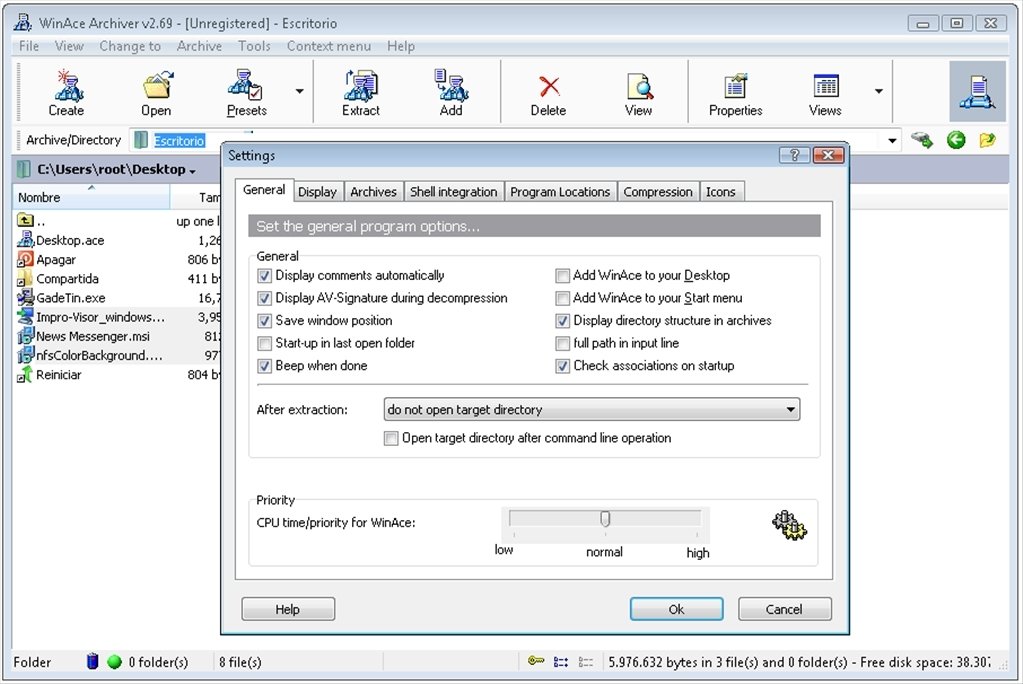
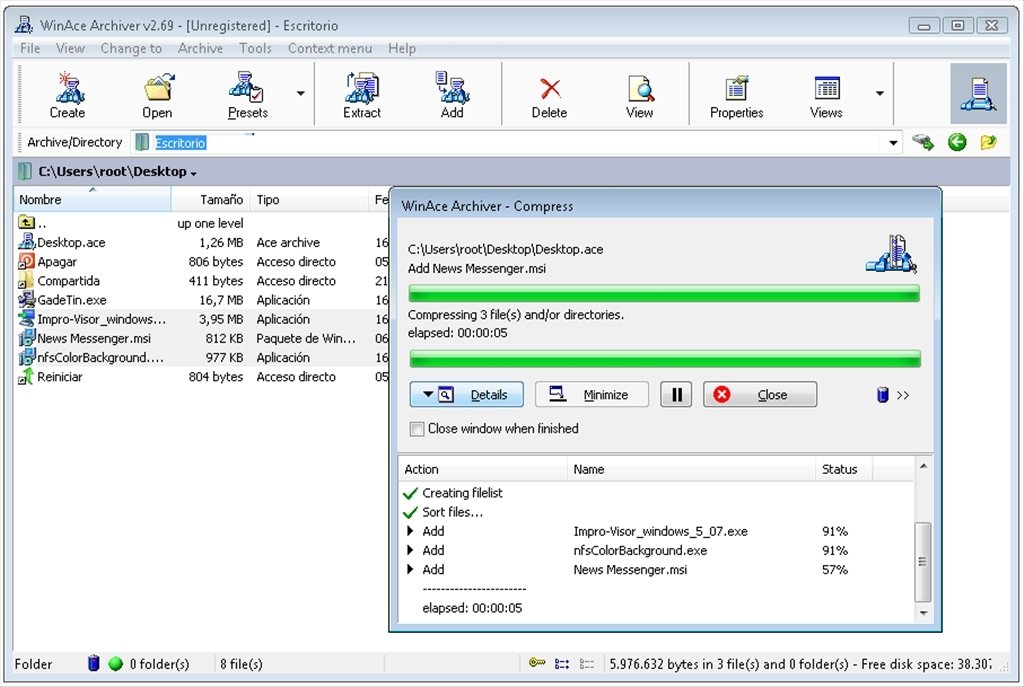
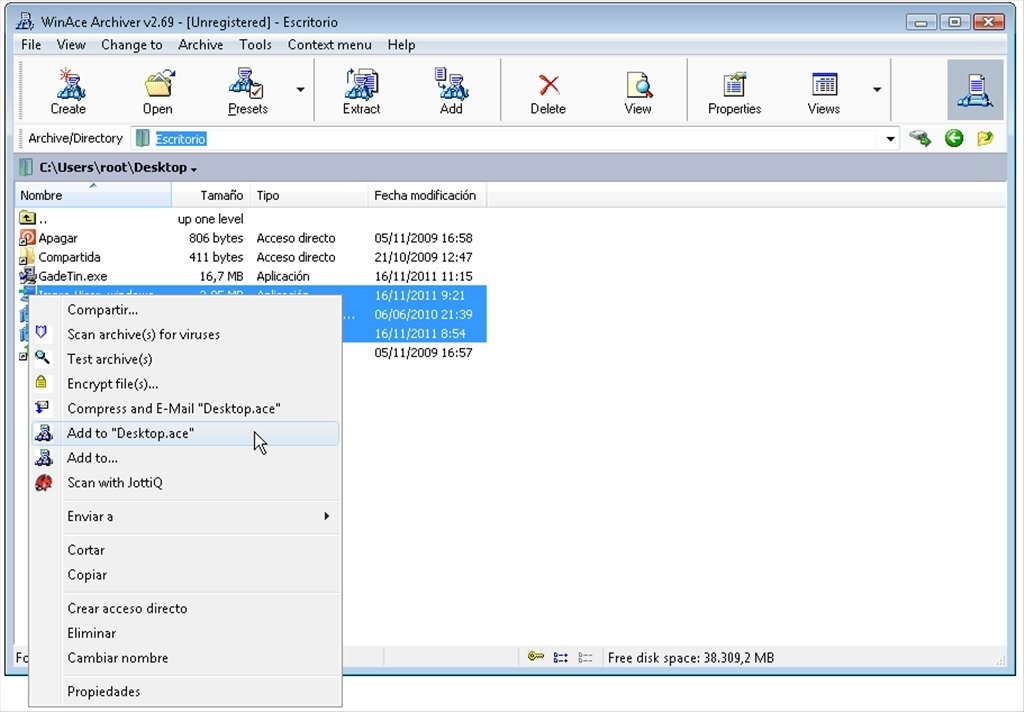
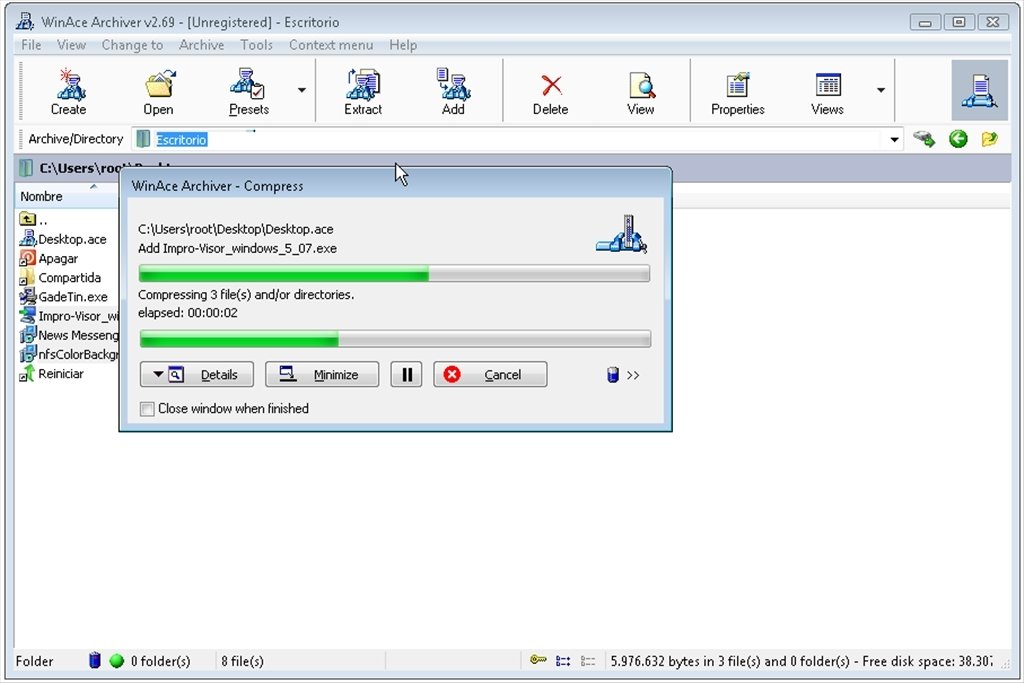
It's very easy to use. Once it's launched, it shows us a screen with the main functions in the form of icons at the top of the interface and below we will see the file explorer. With a simple 'click' on the “Create” option, we will see a window in which we will be able to configure the compression rate of the selected files. With “Extract” we will perform the opposite operation. And, what's more, it includes a set of 'Presets' with preconfigured formats.
Requirements and additional information:
- The trial version can be used for 30 days.
 Vanessa Martín
¡Hi! I am Vanessa Martin, I like to travel, music, photography, and I am passionate about the Internet, as it is a great source of information where you can find everything you need. If it exists, it is on the Internet. Another of my great...

Antony Peel